Affiliate disclosure: Some recommended tool links may earn Paepae Stack a commission if you buy through them. Recommendations are based on fit, tradeoffs, evidence, and source notes. Read the disclosure.

Short answer

Choose Jotform if you need flexible hosted intake for applications, qualification, requests, payments, signatures, files, or structured handoffs. Choose WPForms if your website is already WordPress-first, maintained, and the natural home for contact, intake, payment, or lead-capture forms. Choose neither if the current job is appointment scheduling rather than structured intake.

Decision workflow

Use this comparison only after the stack path is clear

Winner by use case

Jotform

Hosted intake workflow

Jotform is the better candidate when flexible form logic, applications, and handoffs are the center.

WPForms

WordPress-owned lead capture

WPForms is the better candidate when the business already runs a maintained WordPress site and wants forms inside it.

Neither

Scheduling-first workflow

A booking tool may be a better first comparison if the form mainly exists to schedule appointments.

Side-by-side

Primary audience

Jotform: Businesses needing hosted forms, applications, requests, payments, or structured intake

WPForms: WordPress-first businesses and site owners

Primary job

Jotform: Flexible hosted forms, qualification, payments, signatures, uploads, and handoffs

WPForms: Contact, intake, payment, and lead-capture forms inside WordPress

Operating model

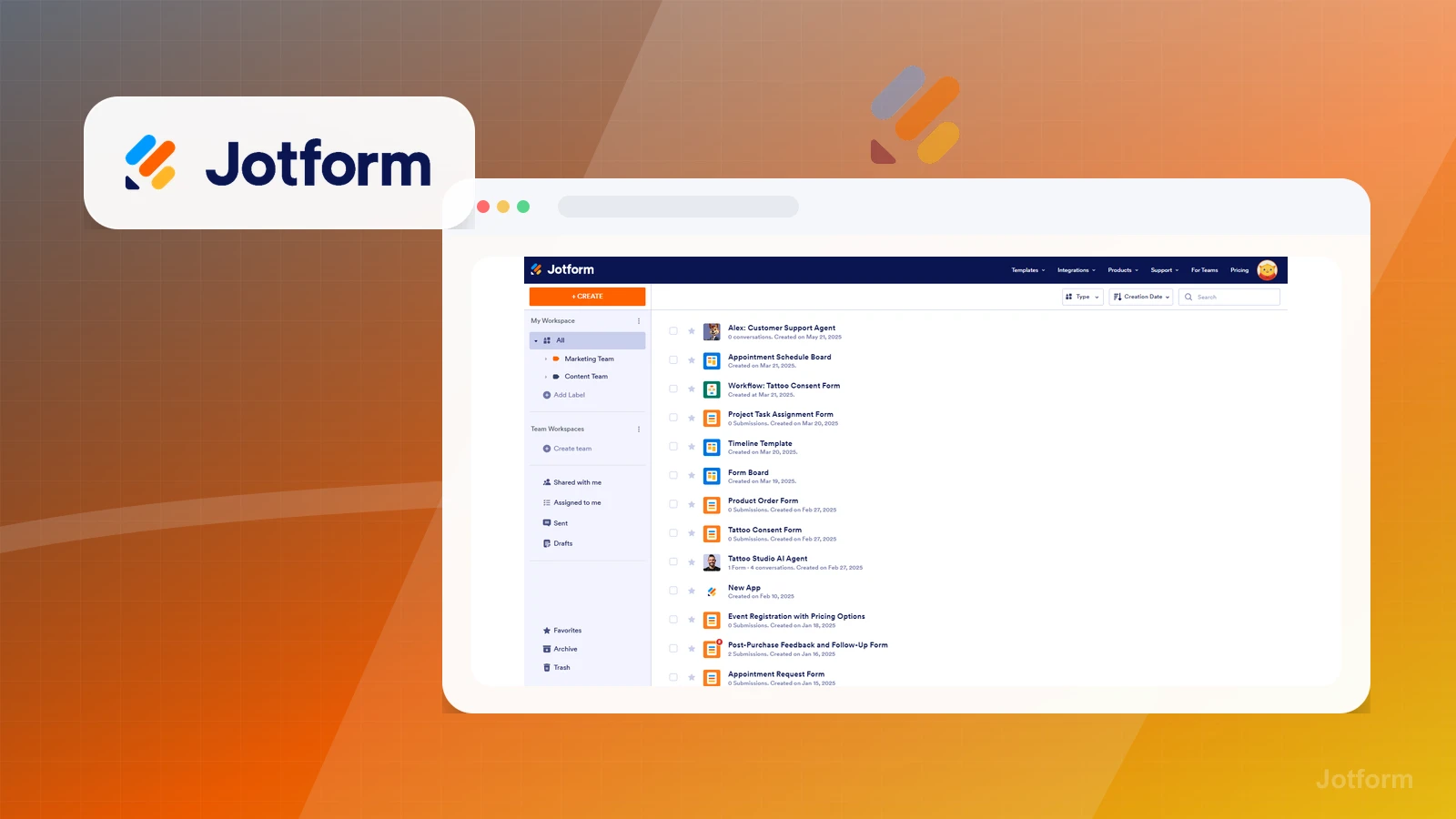
Jotform: Separate hosted form workspace

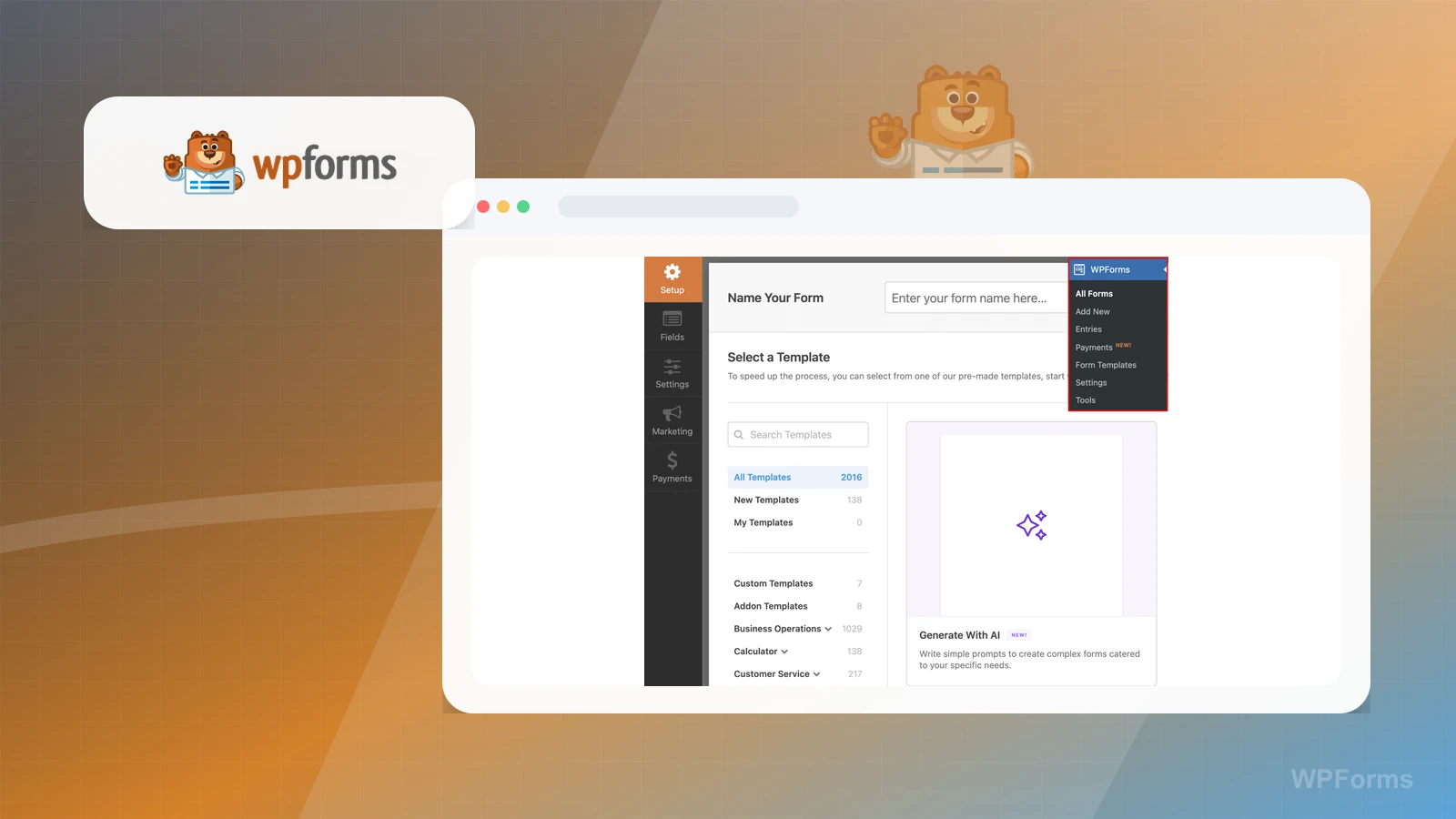
WPForms: WordPress plugin inside the owned site

First purchase signal

Jotform: When form logic and intake workflows matter more than site ownership

WPForms: When WordPress is already maintained and should own the form path

Stack fit

Jotform: Service intake and qualification before booking

WPForms: WordPress service intake and lead capture

Choose Jotform if

  • You need flexible hosted intake for applications, qualification, requests, payments, signatures, files, or structured handoffs.
  • The form workflow needs to stand apart from the website or work across multiple destinations.
  • You want to prove the intake questions and routing before committing the process to a WordPress plugin stack.
Explore Jotform

Choose WPForms if

  • Your website is already WordPress-first, maintained, and the natural home for contact, intake, payment, or lead-capture forms.
  • You want form ownership to stay inside the site rather than adding another hosted form workspace.
  • The form is part of a broader WordPress content, SEO, service, or lead-capture workflow.
Explore WPForms

Before choosing

Choose neither if

Migration and lock-in concerns

Plan and pricing caveats

Evidence notes

Source links

Cautions

Related stacks

Related topic hubs

Questions this page answers

Should I choose Jotform or WPForms?
Choose Jotform when the intake workflow should live in a hosted form platform. Choose WPForms when WordPress is already the owned website layer and forms should stay inside that stack.
What should I check before choosing?
Check current plan limits, migration concerns, the real workflow you need this quarter, and whether a simpler category-specific tool would solve the job with less operating cost.
When should I choose neither?
The current job is appointment scheduling rather than structured intake. You need CRM pipeline ownership, proposal workflows, or client portals more than forms. You only need a simple email link or basic contact form for now.

Next best action

Choose the next step

Use the product links only after the use-case winner and caveats match the workflow.

Visit Jotform: Choose Jotform if its use-case notes match the buying job better.

Visit WPForms: Choose WPForms if its tradeoffs fit the workflow more clearly.

Use Stack Builder: Use the guided stack path when neither side is an obvious fit yet.