Affiliate disclosure: Some recommended tool links may earn Paepae Stack a commission if you buy through them. Recommendations are based on fit, tradeoffs, evidence, and source notes. Read the disclosure.
WPForms product media preview

Workflow evidence

What the WPForms form-building workflow looks like

These three PaepaeStack owner-captured WPForms screens show template setup, spam-protection settings, and a field-builder preview at capture time. They document visible interface structure only. They do not prove template access, AI generation, form creation, saving, publication, submission, storage, notification delivery, consent, validation, accessibility, integration operation, anti-spam effectiveness, security, or conversion.

Template setup

Inspect form naming and template choices

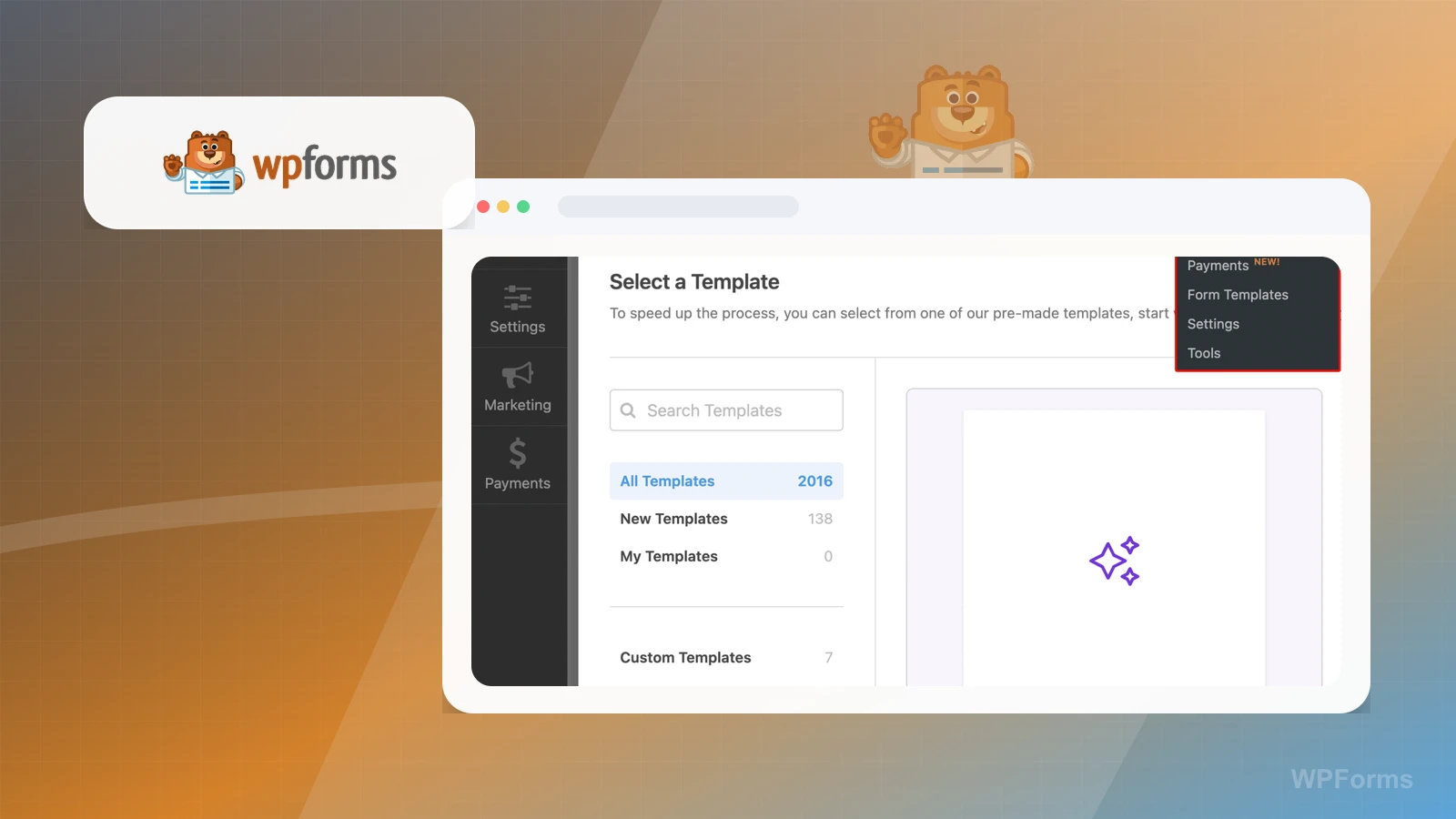
The setup screen shows setup navigation, a form-name field, template search, categories, counts, a generation card, and a WordPress admin menu.

Practical use

  • Map the visible setup, search, category, and generation entry points.
  • Separate template labels and controls from plan access, AI output, template selection, form creation, saving, publication, and compatibility checks.

What this screen does not prove: Template counts, labels, generation controls, and menu items do not prove plan access, AI output, template selection, form creation, saving, publication, or compatibility.

WPForms template setup and choicesOwner-captured WPForms template-setup interface at capture time.

Spam protection

Review visible protection and filtering controls

The settings screen shows settings navigation, anti-spam toggles, and country and keyword filter controls.

Practical use

  • Identify the visible anti-spam and filtering controls.
  • Define separate checks for configuration persistence, filtering effectiveness, security, abuse prevention, consent, deliverability, and plan access.

What this screen does not prove: Enabled or disabled controls do not prove configuration persistence, filtering effectiveness, security, abuse prevention, consent, deliverability, or current plan access.

WPForms protection and filtering controlsOwner-captured WPForms protection-settings interface at capture time.

Field builder

Inspect field choices and form preview

The builder screen shows Add Fields and Field Options tabs, field search, standard field buttons, and a contact-form preview.

Practical use

  • Map the visible field-choice, search, tab, and preview surfaces.
  • Keep drag-and-drop behavior, saved configuration, validation, accessibility, submission, notification, storage, payment, integration, and conversion as separate checks.

What this screen does not prove: Visible fields and preview content do not prove drag-and-drop behavior, saved configuration, validation, accessibility, submission, notification, storage, payment, integration, or conversion.

WPForms field choices and form previewOwner-captured WPForms field-builder interface at capture time.

Plain verdict

Should you use WPForms?

Example to explore for WordPress-first businesses that want service intake, lead capture, or request forms inside their owned site rather than a separate hosted form path.

Use this if

  • WordPress contact and intake forms
  • Lead capture on owned sites
  • WordPress-first service requests

Avoid for now if

  • Non-WordPress businesses
  • Teams expecting a form plugin to replace scheduling or CRM ownership
  • Operators without a maintained WordPress stack

Evidence status

Documentation-based with workflow documentation

Last verified: 2026-06-02

Outbound status

Approved affiliate link

Affiliate links are disclosed before product clicks. Review the methodology.

Decision flow

Place WPForms in the stack decision

Use this path before treating WPForms as the answer. The product should fit the workflow role, comparison fork, and upgrade timing before an outbound click.

Short answer

WPForms is an under-review candidate for wordpress contact and intake forms when that workflow is already the next bottleneck. Paepae Stack treats this page as documentation-based fit guidance, so it does not prove performance, conversion lift, deliverability, support quality, billing reliability, uptime, or long-term workflow results.

Quick take

A WordPress form builder for contact, intake, payment, and lead-capture forms inside a WordPress-owned website workflow.

This is an example to explore while Paepae Stack reviews the workflow. Treat it as documentation-based fit guidance, not as proof of output quality, ad performance, support, billing, or long-term reliability.

Paepae Stack positions WPForms as wordpress form workflow notes, service-intake comparisons, and wordpress-first lead-capture stack decisions. The fit depends on the workflow, not only the feature list.

The recommendation includes workflow documentation and visible limitation notes, so the page separates what was seen in the workflow from claims that still require stronger proof.

Not ideal for

  • Non-WordPress businesses
  • Teams expecting a form plugin to replace scheduling or CRM ownership
  • Operators without a maintained WordPress stack

Strengths

  • Clear WordPress-first form role
  • Relevant when the website is already the main operating layer
  • Useful comparison point against hosted form tools and broader WordPress stack decisions

Cautions

  • Keep claims under review until owned WordPress setup and submission evidence exists
  • Verify payment add-ons, spam handling, notifications, file uploads, and integration behavior before broad recommendation
  • Do not imply higher conversion, better deliverability, or plugin reliability without measured evidence

What is still under review

This page is useful for workflow-fit research, but it is not a hands-on proof page yet. The captured interface documents visible controls, while completed owned setup evidence is still needed before making stronger claims.

  • Build a representative intake or client workflow and record what data moves where.
  • Capture notification, payment or signature, file upload, routing, spam handling, and export behavior where relevant.
  • Verify plan limits, ownership, migration, and failure paths before claiming operational reliability.

Pricing snapshot

WordPress plugin plans with feature differences around add-ons, payments, marketing integrations, entries, and site ownership.

Start by checking WordPress ownership, form types, payments, spam controls, file uploads, notifications, and required integrations.

Plan caveats

  • A WordPress form plugin adds plugin, hosting, theme, and update ownership that hosted form tools may avoid.
  • Check current payment, marketing, entry-management, and add-on availability before positioning it as the right intake layer.

Pricing sources

Implementation notes

  • Start by deciding the job WPForms must do in the stack, then compare it against the nearest alternatives.
  • Write down the trigger, fields, and expected result before building an automation around it.

When to upgrade

  • Upgrade toward WPForms when the workflow it supports is already visible in the business.
  • Delay the purchase if the tool would create more setup work than customer-facing value this month.

Questions this page answers

Who is WPForms a good fit for?
WPForms is a good fit for wordpress contact and intake forms, lead capture on owned sites, wordpress-first service requests when that workflow is already the next practical job in the business.
Who should skip WPForms?
Skip or delay WPForms if you identify with non-wordpress businesses or if the tool would add setup work before creating customer-facing value.

Next best action

Decide whether WPForms fits

The page is past the quarterly review window and should be refreshed before heavier promotion.

Visit WPForms: Open the approved outbound path after checking the fit notes and plan caveats.

Compare WPForms: Use the closest comparison when the product still feels close to another option.

Use Stack Builder: Use the guided path if the right category or stack is still unclear.

Guides

Read before choosing WPForms

Next steps

Compare or continue