Affiliate disclosure: Some recommended tool links may earn Paepae Stack a commission if you buy through them. Recommendations are based on fit, tradeoffs, evidence, and source notes. Read the disclosure.
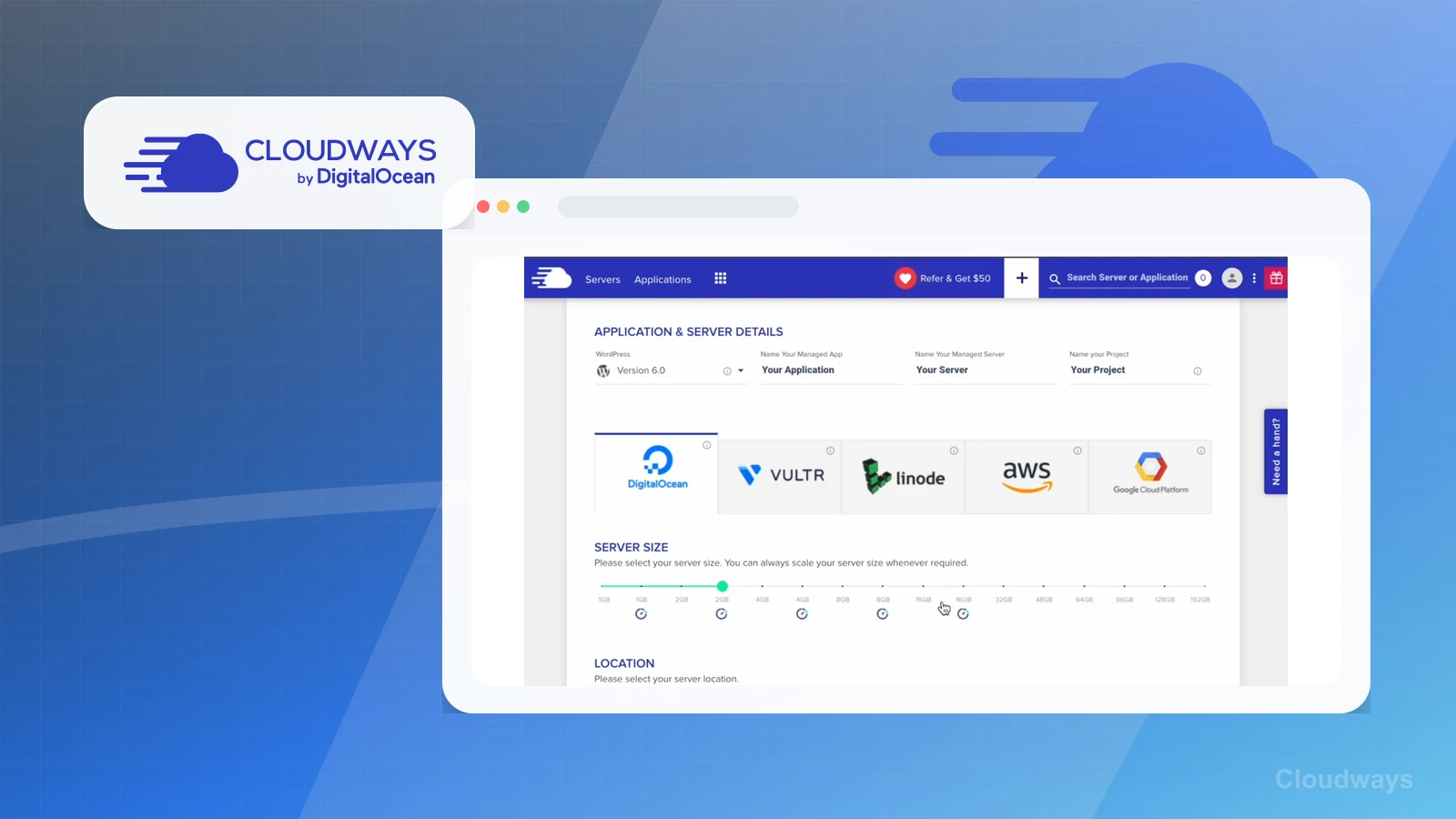
Kinsta vs Cloudways comparison visual 1
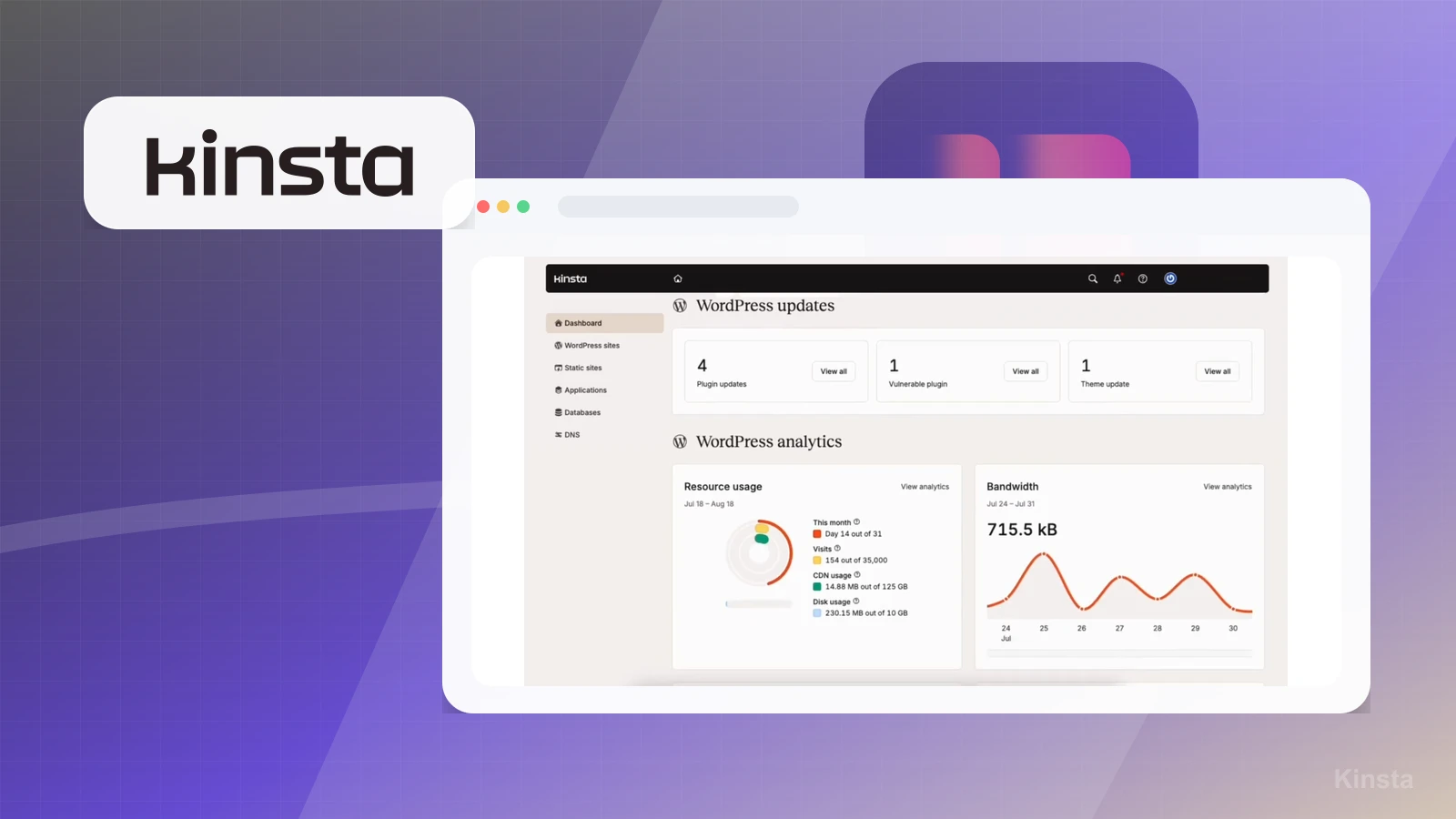
Kinsta vs Cloudways comparison visual 2

Short answer

Choose Kinsta when WordPress is a serious content or business asset and managed WordPress support matters. Choose Cloudways when cloud flexibility, server choice, and a more technical operating model matter more. Choose neither if the business is still on a hosted all-in-one platform or only needs a simple signup page.

Decision workflow

Use this comparison only after the stack path is clear

Winner by use case

Kinsta

Managed WordPress business site

Kinsta is the first managed WordPress option to evaluate when the site is WordPress-first and support matters.

Kinsta

Creator content site with search traffic

Kinsta is the first review path when publishing control, performance, and WordPress support are the main concerns.

Cloudways

Flexible cloud hosting for technical users

Cloudways aligns more closely with users comfortable comparing infrastructure options.

Cloudways

Freelancer managing multiple site types

Cloudways is more natural when the operator wants cloud choices and can handle a more technical hosting layer.

Neither

Hosted all-in-one business

Separate hosting may not be needed at all.

Side-by-side

Primary audience

Kinsta: WordPress creators and agencies wanting managed support

Cloudways: Freelancers and technical site owners

Primary job

Kinsta: Managed WordPress performance and support

Cloudways: Managed cloud hosting flexibility

Complexity

Kinsta: Lower for WordPress-first users

Cloudways: Potentially higher, with more infrastructure choices

First purchase signal

Kinsta: When WordPress support and performance matter

Cloudways: When infrastructure flexibility matters

Operating model

Kinsta: Pay more for a WordPress-focused managed environment

Cloudways: Trade more setup decisions for cloud-provider and server flexibility

Pairs well with

Kinsta: A content site, email capture, client site, or business WordPress property

Cloudways: Freelancer, agency, or technical site workflows where infrastructure choices are part of the job

Not meant to solve

Kinsta: Offer clarity, email publishing, course delivery, or checkout by itself

Cloudways: Offer clarity, email publishing, course delivery, or checkout by itself

Choose Kinsta if

  • You want a managed WordPress-focused provider because WordPress is already central to the site, content, or client workflow.
  • The site is a high-value business asset where publishing, SEO, client trust, or sales pages justify a calmer managed environment.
  • You would rather pay for a WordPress-focused operating model than compare more cloud-provider and server configuration choices.
  • Downtime, migration friction, plugin issues, or unclear support entry points would create real operational cost for the business.
Visit Kinsta

Choose Cloudways if

  • You are comfortable comparing cloud options and making server, application, cache, backup, and scaling decisions.
  • You manage sites where infrastructure flexibility matters more than a WordPress-only managed-hosting lane.
  • You are a freelancer, developer, or technical operator who expects hosting configuration to be part of the job.
  • You want a managed layer over cloud infrastructure and can own the extra choices that come with that flexibility.
Visit Cloudways

Before choosing

Choose neither if

Migration and lock-in concerns

Plan and pricing caveats

Evidence notes

Source links

Cautions

Related stacks

Related topic hubs

Questions this page answers

Which WordPress host should creators evaluate first?
Kinsta is the first managed WordPress hosting option Paepae Stack would evaluate for WordPress creators who want a managed environment and a calmer operating model. Cloudways is the option to compare when the operator wants cloud-provider flexibility and is comfortable with more hosting decisions.
When should a creator choose neither host?
Choose neither if the business runs inside a hosted all-in-one platform, only needs a simple newsletter signup page, or has not made WordPress a serious content, SEO, or business asset yet.
What should be checked before moving WordPress hosting?
Document backups, DNS records, domains, SSL, staging, cache rules, email routing, plugin versions, and performance-sensitive pages before migrating. Keep a rollback path until the new host is verified.
Has Paepae Stack tested Kinsta or Cloudways hands-on?
Not yet. This comparison is documentation-based, so it should be used for workflow fit, migration planning, and deciding which hosting path deserves a future owned setup or migration test.

Next best action

Choose the next step

Use the product links only after the use-case winner and caveats match the workflow.

Visit Kinsta: Choose Kinsta if its use-case notes match the buying job better.

Visit Cloudways: Choose Cloudways if its tradeoffs fit the workflow more clearly.

Use Stack Builder: Use the guided stack path when neither side is an obvious fit yet.