Affiliate disclosure: Some recommended tool links may earn Paepae Stack a commission if you buy through them. Recommendations are based on fit, tradeoffs, evidence, and source notes. Read the disclosure.
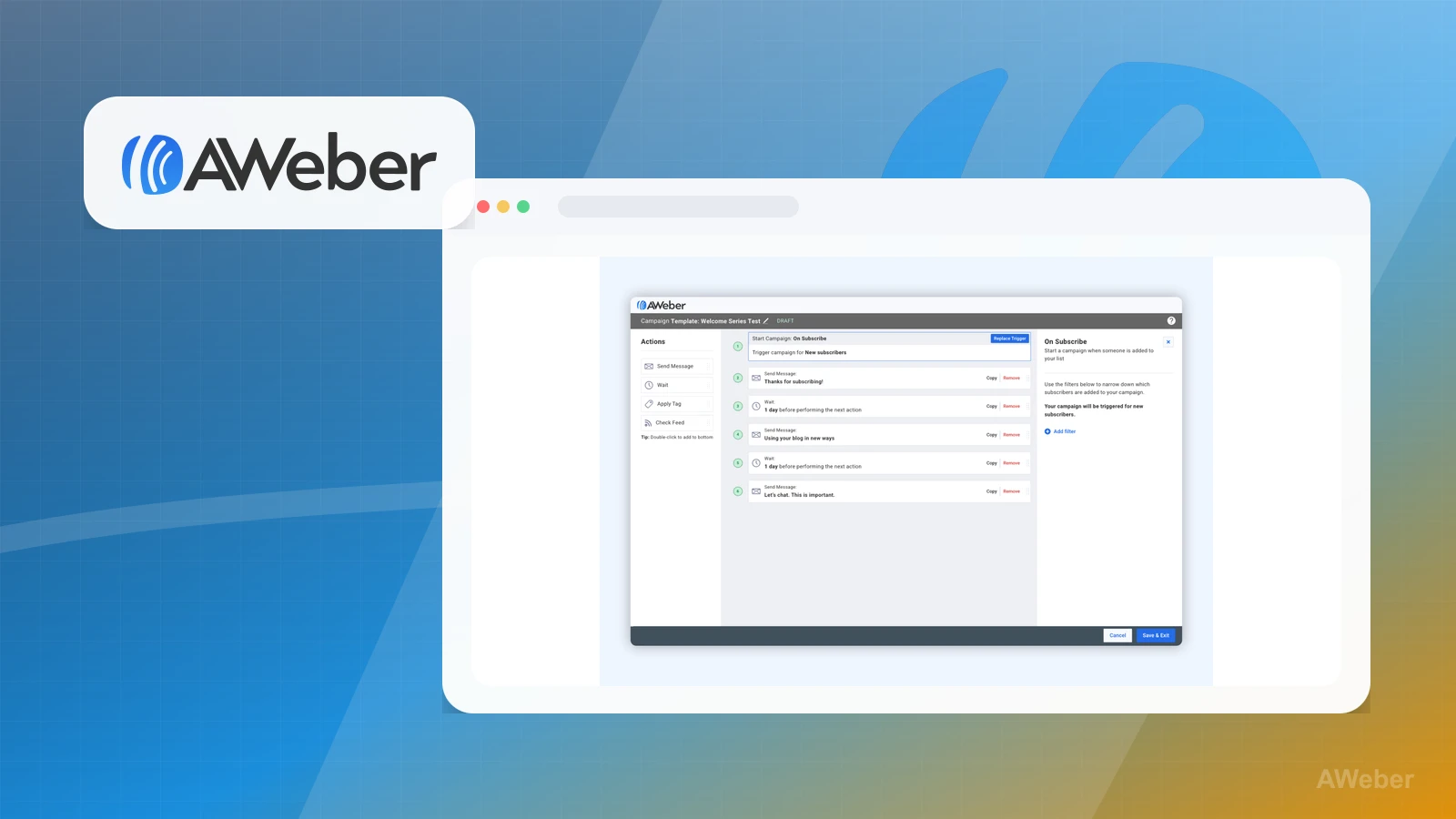
MailerLite vs AWeber comparison visual 1
MailerLite vs AWeber comparison visual 2

Short answer

Choose MailerLite if you want a dedicated-email option to evaluate for a creator newsletter, simple signup forms, regular broadcasts, and basic automation. Choose AWeber if you prefer its established email workflow or already know its forms, campaigns, and autoresponders fit your list-building process. Choose neither if the first job is checkout, course delivery, CRM pipelines, or a full funnel system rather than dedicated email.

Decision workflow

Use this comparison only after the stack path is clear

Winner by use case

MailerLite

Creator newsletter and simple automation

MailerLite is positioned as a creator-first email workflow to evaluate.

AWeber

Established email platform preference

AWeber is a reasonable fit if its long-running brand and workflow are preferred.

Neither

Checkout and funnel in the same tool

An all-in-one platform may be simpler when email mainly supports selling.

Side-by-side

Primary audience

MailerLite: Newsletter creators and beginners

AWeber: Small businesses and established email users

Primary job

MailerLite: Forms, newsletters, campaigns, and simple automation

AWeber: Email campaigns, forms, and marketing automations

Decision factor

MailerLite: Ease and interface fit

AWeber: Established platform preference

First purchase signal

MailerLite: When creator publishing rhythm is central

AWeber: When the user prefers AWeber's established email workflow

First setup path

MailerLite: Signup form, welcome email, regular broadcast, then simple automation

AWeber: Signup form, campaign flow, autoresponder, then list maintenance

Pairs well with

MailerLite: WordPress, a simple landing page, or a separate course/checkout tool

AWeber: A dedicated email-first stack where its campaign workflow feels easier to maintain

Not meant to replace

MailerLite: Native checkout, course delivery, CRM pipelines, or a full funnel suite

AWeber: Native checkout, course delivery, CRM pipelines, or a full funnel suite

Choose MailerLite if

  • You want a simpler creator-led email workflow for forms, newsletters, broadcasts, and basic subscriber follow-up.
  • You are pairing email with WordPress, a simple landing page, or a separate course or checkout platform.
  • Your first email path is one form, one welcome email, regular broadcasts, and light automation before advanced segmentation.
Visit MailerLite

Choose AWeber if

  • You value a long-standing email marketing brand and want a dedicated alternative before committing to MailerLite.
  • You want forms, broadcasts, follow-up sequences, and subscriber management inside a dedicated email tool.
  • You already know AWeber's campaign or autoresponder model fits how you publish and maintain a list.
Visit AWeber

Before choosing

Choose neither if

Migration and lock-in concerns

Plan and pricing caveats

Evidence notes

Source links

Cautions

Related stacks

Related topic hubs

Questions this page answers

Which dedicated email platform should creators evaluate first?
MailerLite is a natural starting point to evaluate for creator newsletters and simple list-building. AWeber is worth comparing when its established email workflow, forms, campaigns, or autoresponder model feel easier to run consistently.
Which should a newsletter-first business evaluate first?
MailerLite is the first option to evaluate when the business revolves around regular publishing, subscriber capture, and simple follow-up. The main test is whether the interface makes sending and list maintenance easier to keep doing.
When should I choose neither?
Choose neither if the first software need is checkout, course delivery, funnel pages, CRM pipelines, or product fulfillment in the same account. In that case, compare all-in-one or course platforms before dedicated email tools.
What should I check before migrating email platforms?
Plan how lists, segments or tags, signup forms, automations, embedded forms, unsubscribe handling, and sending history will move before switching email tools.
Has Paepae Stack tested either email tool hands-on?
Not yet. The comparison is documentation-based, so it should be used for workflow fit, migration planning, source-backed context, and deciding which dedicated email tool deserves the first hands-on setup pass.

Next best action

Choose the next step

Use the product links only after the use-case winner and caveats match the workflow.

Visit MailerLite: Choose MailerLite if its use-case notes match the buying job better.

Visit AWeber: Choose AWeber if its tradeoffs fit the workflow more clearly.

Use Stack Builder: Use the guided stack path when neither side is an obvious fit yet.