Affiliate disclosure: Some recommended tool links may earn Paepae Stack a commission if you buy through them. Recommendations are based on fit, tradeoffs, evidence, and source notes. Read the disclosure.
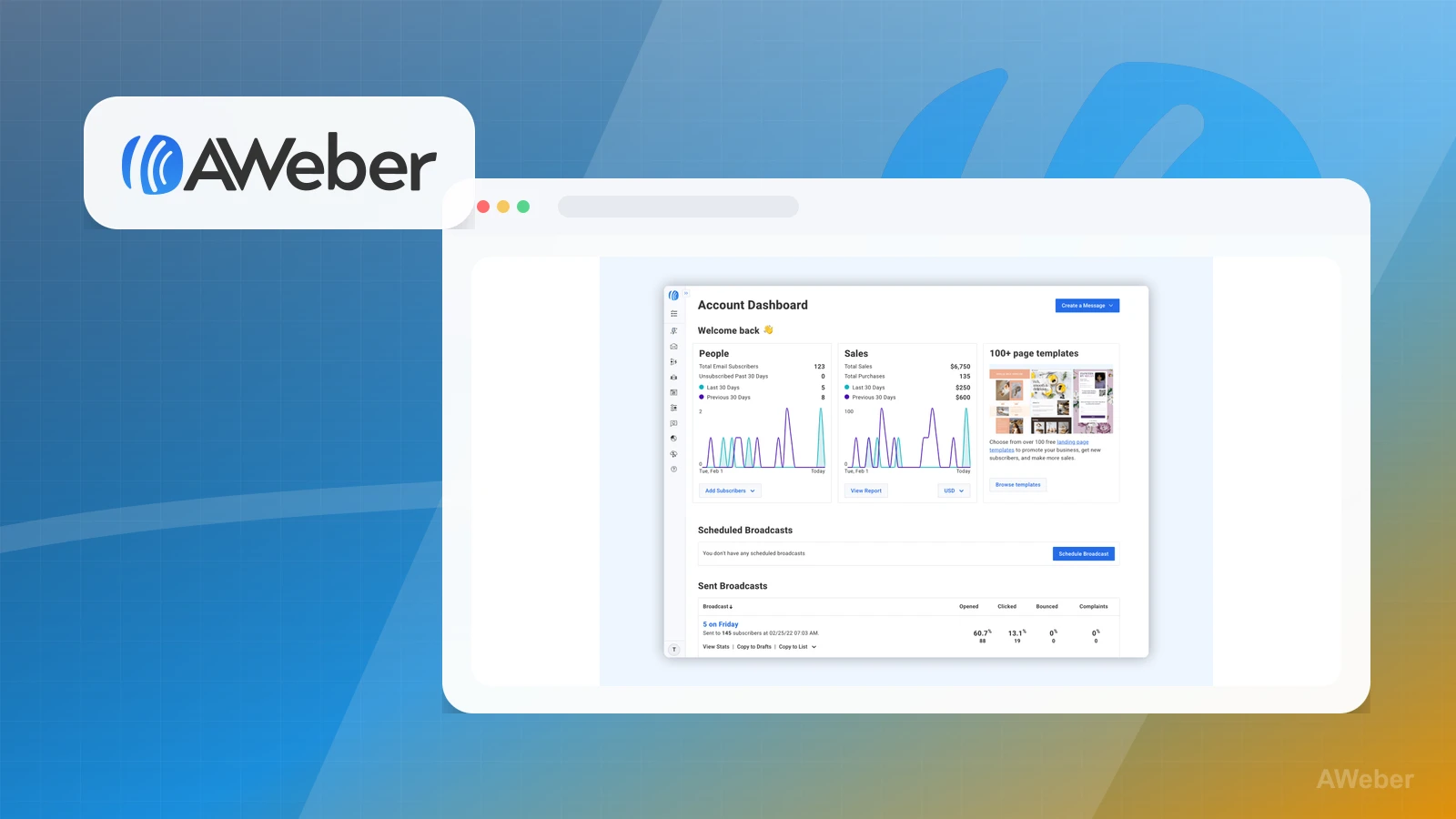
AWeber product media preview

Plain verdict

Should you use AWeber?

Good fit for creators and small businesses who want an established email platform for forms, broadcasts, and simple follow-up.

Use this if

  • Small business email
  • Newsletter creators
  • Simple autoresponder and follow-up workflows

Avoid for now if

  • People needing an all-in-one checkout and course stack
  • Agencies seeking white-label CRM

Evidence status

Documentation-based

Last verified: 2026-05-02

Outbound status

Approved affiliate link

Affiliate links are disclosed before product clicks. Review the methodology.

Decision flow

Place AWeber in the stack decision

Use this path before treating AWeber as the answer. The product should fit the workflow role, comparison fork, and upgrade timing before an outbound click.

Short answer

AWeber fits when small business email need the stack role it is built for. It is not the right first path if your workflow matches people needing an all-in-one checkout and course stack, so compare the cautions and alternatives before treating it as the first purchase.

Quick take

An established email marketing platform for newsletters, campaigns, forms, and automations.

Paepae Stack positions AWeber as email marketing guides, newsletter stacks, and creator stack comparisons. The fit depends on the workflow, not only the feature list.

Not ideal for

  • People needing an all-in-one checkout and course stack
  • Agencies seeking white-label CRM

Strengths

  • Long-standing email category presence
  • Useful alternative to MailerLite
  • Good fit for email education and follow-up content

Cautions

  • Interface preference matters
  • Compare automation needs before choosing
  • Use a separate checkout or course tool if selling is the main job

Pricing snapshot

Email marketing plans with free and paid tiers depending on subscriber and feature needs.

Start by checking subscriber limits, list needs, automation, landing pages, and support access.

Plan caveats

  • The right plan depends on list size and required features, not only the first-month price.
  • Compare the current plan matrix before assuming a specific automation or ecommerce feature is included.

Pricing sources

Implementation notes

  • Start by deciding the job AWeber must do in the stack, then compare it against the nearest alternatives.
  • Evaluate AWeber around one practical email path: signup form, welcome email, broadcast habit, and one simple follow-up sequence.
  • Do not treat AWeber as the whole stack if the business also needs checkout, course delivery, or CRM workflows.

When to upgrade

  • Upgrade toward AWeber when the workflow it supports is already visible in the business.
  • Delay the purchase if the tool would create more setup work than customer-facing value this month.

Questions this page answers

Who is AWeber a good fit for?
AWeber is a good fit for small business email, newsletter creators, simple autoresponder and follow-up workflows when that workflow is already the next practical job in the business.
Who should skip AWeber?
Skip or delay AWeber if you identify with people needing an all-in-one checkout and course stack or if the tool would add setup work before creating customer-facing value.

Next best action

Decide whether AWeber fits

The source and fit notes are inside the normal quarterly review window.

Visit AWeber: Open the approved outbound path after checking the fit notes and plan caveats.

Compare AWeber: Use the closest comparison when the product still feels close to another option.

Use Stack Builder: Use the guided path if the right category or stack is still unclear.

Guides

Read before choosing AWeber

Next steps

Compare or continue