Quick take
A scheduling platform for meeting types, availability, routing, calendar sync, embeds, and appointment workflows for solo operators and teams.
This is an example to explore while Paepae Stack reviews the workflow. Treat it as documentation-based fit guidance, not as proof of output quality, ad performance, support, billing, or long-term reliability.
Paepae Stack positions Cal.com as service booking workflow notes, scheduling comparisons, and future booking-layer stack decisions. The fit depends on the workflow, not only the feature list.
The recommendation includes workflow documentation and visible limitation notes, so the page separates what was seen in the workflow from claims that still require stronger proof.
Not ideal for
- Businesses that only need a contact form
- Teams buying CRM depth before scheduling ownership is clear
- Operators expecting full client management from scheduling alone
Strengths
- Clear scheduling-first role
- Relevant to solo service operators and teams with calendar complexity
- Useful comparison point against richer booking/CRM combinations
Cautions
- Keep claims under review until owned booking-flow evidence exists
- Verify reminders, routing, payments, calendar sync, embed behavior, and team scheduling rules before broad recommendation
- Do not imply lower scheduling friction, lower no-shows, or support reliability without measured evidence
What is still under review
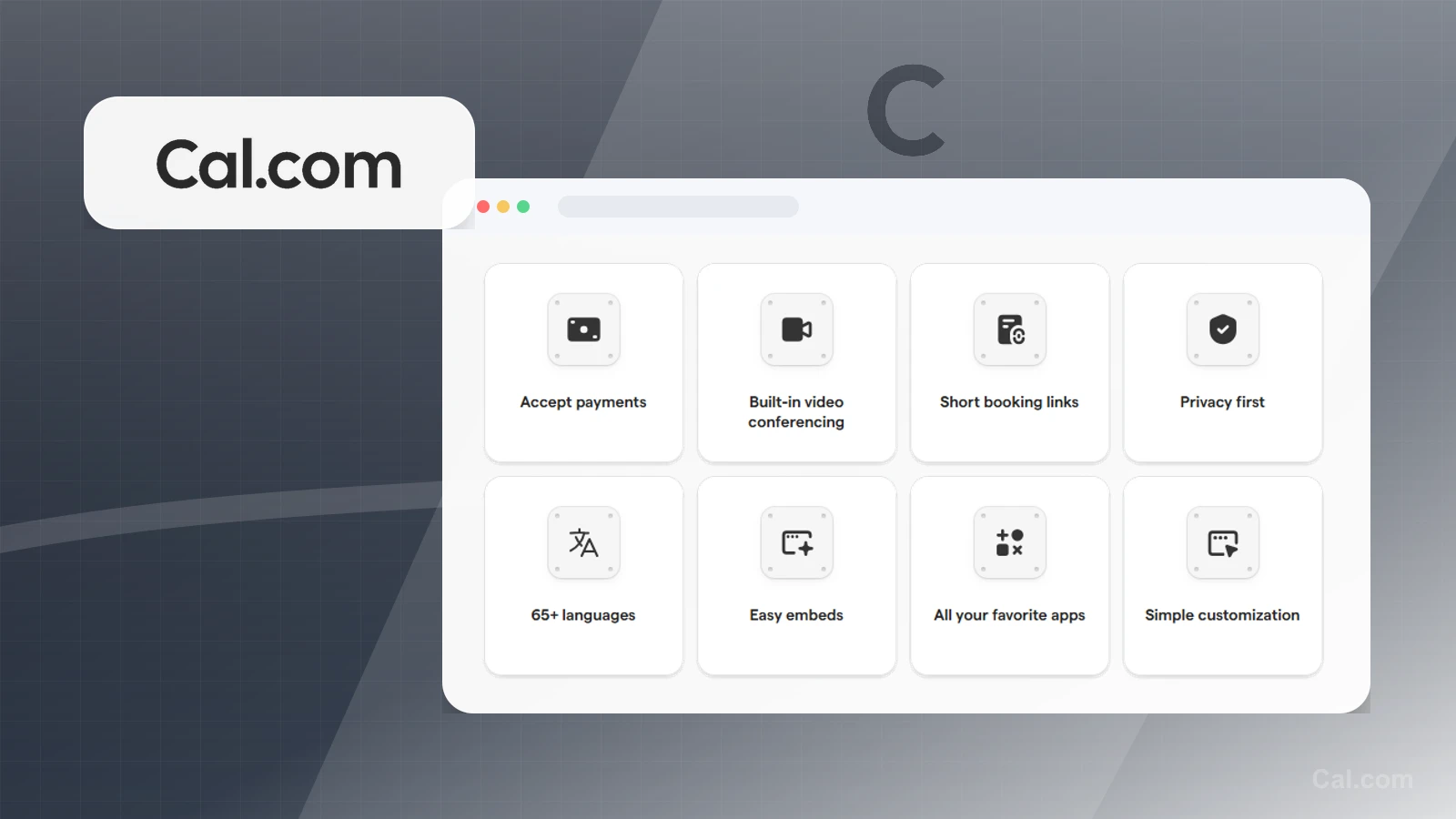
This page is useful for workflow-fit research, but it is not a hands-on proof page yet. The captured interface documents visible controls, while completed owned setup evidence is still needed before making stronger claims.
- Set up one public booking page with real availability rules and timezone handling.
- Capture the intake, confirmation, reminder, reschedule, cancellation, and cleanup path.
- Verify plan limits for payments, packages, embeds, routing, calendars, and team scheduling before broad recommendation language.
Pricing snapshot
Scheduling plans that vary by individual versus team use, routing, workflows, integrations, and organization needs.
Start by checking event types, calendar sync, team routing, reminders, embeds, workflows, and payment requirements.
Plan caveats
- Scheduling software should be chosen around the actual appointment and ownership workflow, not only page appearance.
- Check current routing, reminders, payment, team, and integration limits before broad recommendation.
Pricing sources
Implementation notes
- Start by deciding the job Cal.com must do in the stack, then compare it against the nearest alternatives.
- Write down the trigger, fields, and expected result before building an automation around it.
When to upgrade
- Upgrade toward Cal.com when the workflow it supports is already visible in the business.
- Delay the purchase if the tool would create more setup work than customer-facing value this month.