Quick take
A scheduling and booking platform for booking pages, calendar sync, reminders, team scheduling, workflows, and paid sessions.
This is an example to explore while Paepae Stack reviews the workflow. Treat it as documentation-based fit guidance, not as proof of output quality, ad performance, support, billing, or long-term reliability.
Paepae Stack positions LunaCal as service booking workflow notes, consultant stack planning, and future scheduling-tool comparisons. The fit depends on the workflow, not only the feature list.
The recommendation includes workflow documentation and visible limitation notes, so the page separates what was seen in the workflow from claims that still require stronger proof.
Not ideal for
- Businesses that only need a contact form
- Teams without calendar ownership
- Complex CRM pipelines that need more than scheduling and reminders
Strengths
- Clear fit for booking pages and service intake
- Relevant to coaches, consultants, freelancers, and service providers
- Useful bridge between lead capture, appointments, reminders, and paid sessions
Cautions
- Keep claims documentation-based until owned booking-flow testing exists
- Verify calendar sync, payment, reminder, timezone, embed, and cancellation behavior before broad recommendation
- Do not imply lower no-show rates, higher sales, or support reliability without measured evidence
What is still under review
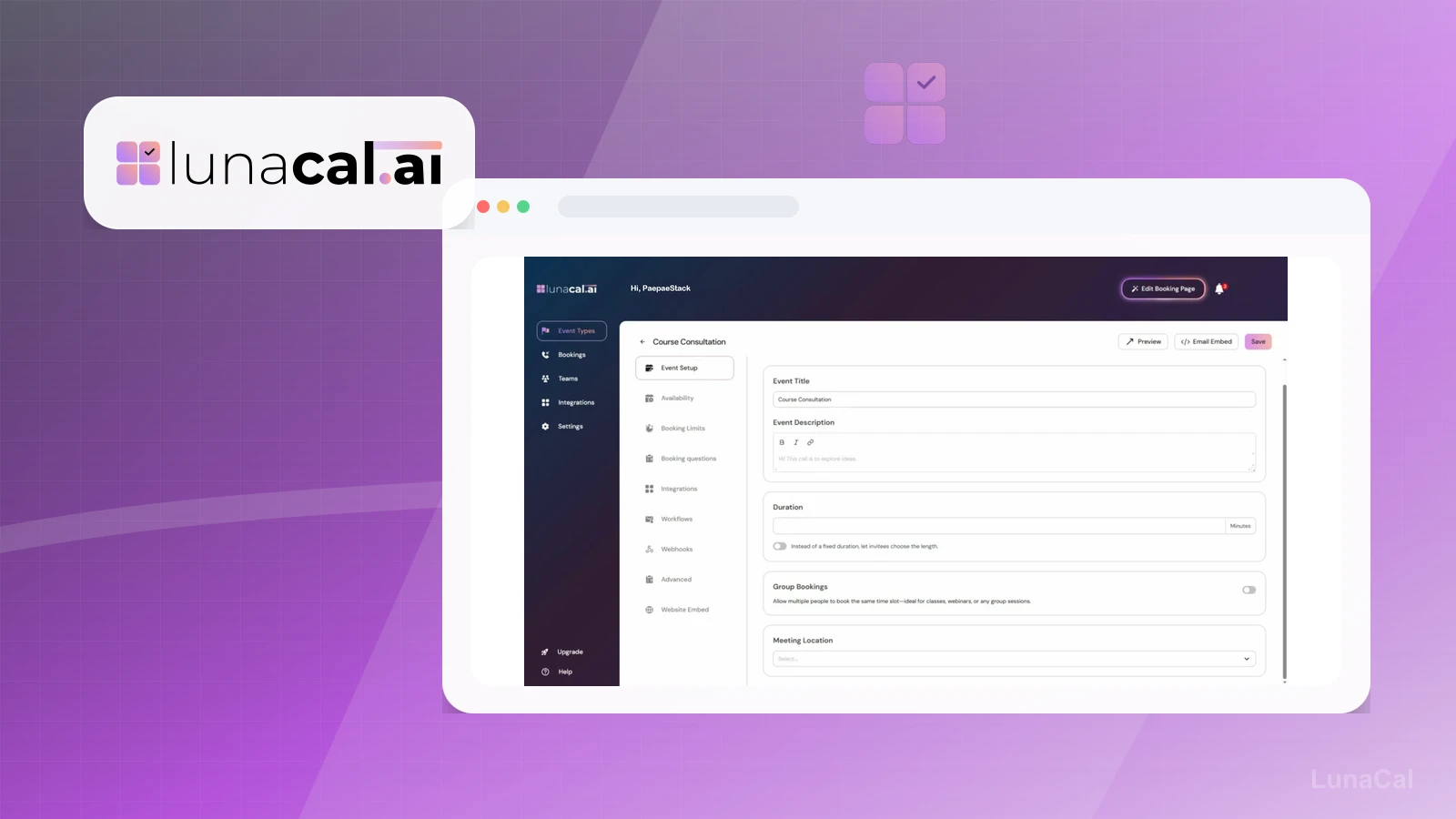
This page is useful for workflow-fit research, but it is not a hands-on proof page yet. The captured interface documents visible controls, while completed owned setup evidence is still needed before making stronger claims.
- Set up one public booking page with real availability rules and timezone handling.
- Capture the intake, confirmation, reminder, reschedule, cancellation, and cleanup path.
- Verify plan limits for payments, packages, embeds, routing, calendars, and team scheduling before broad recommendation language.
Pricing snapshot
Scheduling plans with monthly and annual options, plus higher tiers for teams, packages, webhooks, AI voice agent, branding, and support needs.
Start by checking booking page needs, calendar sync, reminders, payments, team scheduling, packages, webhooks, embeds, timezone handling, and branding requirements.
Plan caveats
- Booking software should be chosen around the real appointment workflow, not only the booking page design.
- Paid bookings, reminders, webhooks, team scheduling, branding, and AI voice features should be checked against the current plan matrix before recommending.
Pricing sources
Implementation notes
- Start by deciding the job LunaCal must do in the stack, then compare it against the nearest alternatives.
- Write the service, availability rules, intake questions, reminder sequence, and rescheduling policy before choosing a booking tool.
- Verify calendar sync, paid sessions, packages, embeds, time zones, and team routing with a real booking flow.
- Pair with CRM or follow-up tooling only after booking and post-meeting ownership are clear.
When to upgrade
- Move toward LunaCal when booking pages, reminders, paid sessions, packages, or service intake create visible friction.
- Upgrade only after the service offer, availability, calendar ownership, and post-booking workflow are clear.
- Delay LunaCal if a simple contact form is enough or the real bottleneck is CRM, pipeline, or client delivery.