Affiliate disclosure: Some recommended tool links may earn Paepae Stack a commission if you buy through them. Recommendations are based on fit, tradeoffs, evidence, and source notes. Read the disclosure.
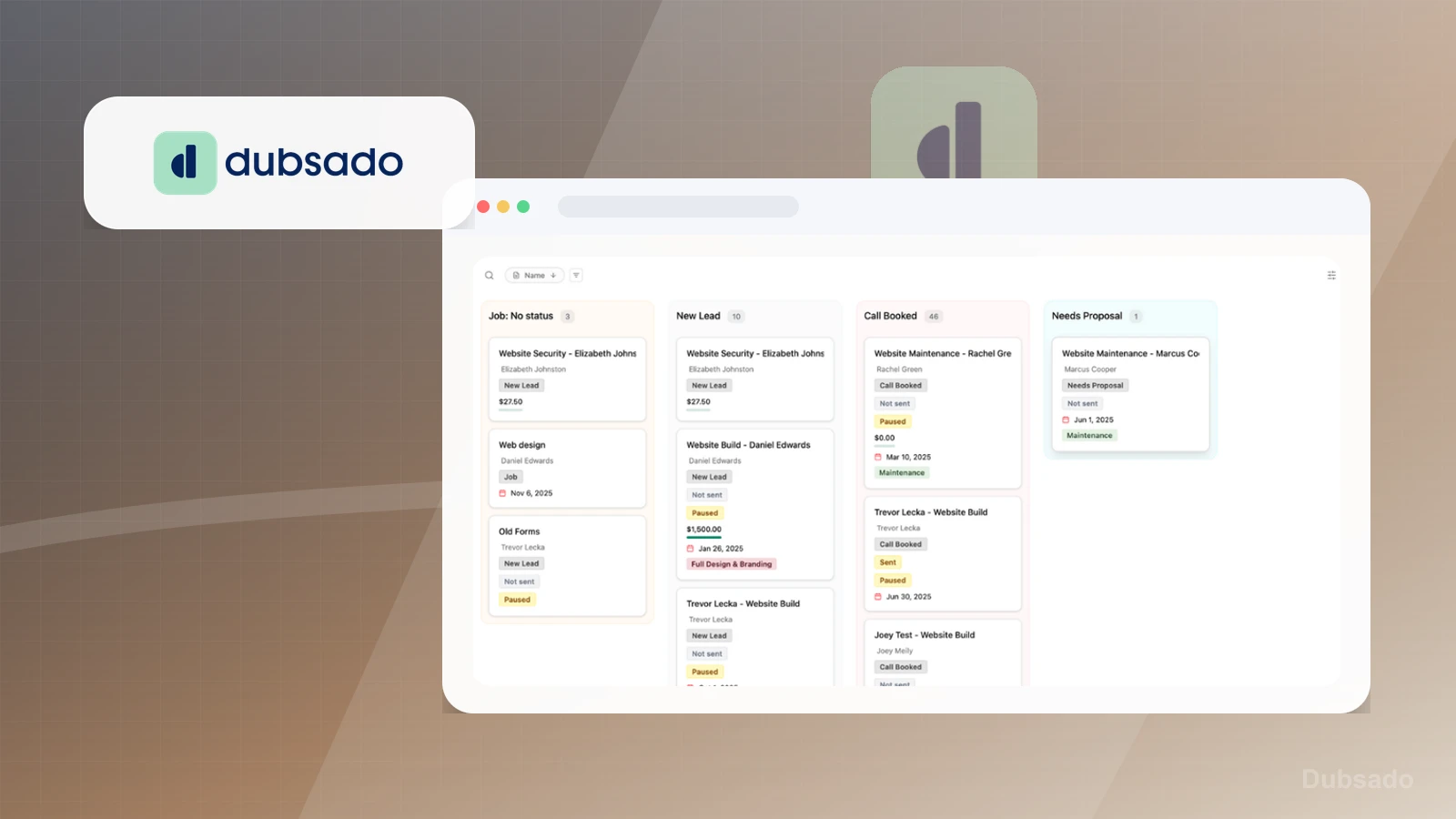
Dubsado product media preview

Workflow evidence

What the Dubsado client-operations workflow looks like

These three PaepaeStack owner-captured Dubsado screens show project, analytics, and invoice interface content at capture time. They are documentation evidence only, not proof of real clients, workflow execution, payment activity, accounting accuracy, profitability, conversion, or outcomes.

Project board

Inspect project stages and visible status cards

The Projects capture shows status columns, project cards, visible names, dates, amount and status fields, filters, Export CSV, and New Project controls.

Practical use

  • Identify the visible project-stage and status-card layout.
  • Separate capture-time names, dates, amounts, and statuses from client, lead, proposal, delivery, and workflow verification.

What this screen does not prove: Visible names, dates, amounts, stages, and controls do not prove real customers, lead quality, calls, proposals, delivery, workflow execution, revenue, conversion, or data accuracy.

Dubsado project stages and status cardsOwner-captured Dubsado projects interface at capture time.

Analytics dashboard

Review the captured analytics layout

The analytics capture shows projects-created, net-profit, average-projects-per-week, and conversion-rate cards with time-series, source, and revenue chart controls.

Practical use

  • Locate the visible analytics cards, charts, date context, and source controls.
  • Define source, attribution, accounting, metric, and reporting checks independently.

What this screen does not prove: Displayed project, profit, revenue, conversion, source, and chart values are capture-time UI only and do not prove attribution, accounting accuracy, profitability, conversion, project completion, or business outcomes.

Dubsado captured analytics layoutOwner-captured Dubsado analytics interface at capture time.

Invoice list

Locate invoice statuses and amount fields

The invoice capture shows invoice tabs and statuses, invoice numbers, issue dates, contact fields, amount-paid and total fields, progress bars, filters, and CSV export.

Practical use

  • Identify the visible invoice-status, amount, filtering, and export surfaces.
  • Keep delivery, payment, settlement, accounting, tax, and collections checks separate from the capture.

What this screen does not prove: Visible contact names, invoice states, dates, amounts, and totals do not prove real customers, invoice delivery, payment processing, settlement, accounting accuracy, revenue, tax treatment, or collections.

Dubsado invoice statuses and amount fieldsOwner-captured Dubsado invoice interface at capture time.

Plain verdict

Should you use Dubsado?

Example to explore for service businesses that need booking intake connected to proposals, client records, forms, and repeatable operational workflows.

Use this if

  • Client intake and forms
  • Proposals and contracts
  • Service-business workflows

Avoid for now if

  • Simple solo booking flows with no client-ops depth
  • Newsletter-only or product-only businesses
  • Teams buying operational software before the service process is repeatable

Evidence status

Documentation-based with workflow documentation

Last verified: 2026-06-02

Outbound status

Approved affiliate link

Affiliate links are disclosed before product clicks. Review the methodology.

Decision flow

Place Dubsado in the stack decision

Use this path before treating Dubsado as the answer. The product should fit the workflow role, comparison fork, and upgrade timing before an outbound click.

Short answer

Dubsado is an under-review candidate for client intake and forms when that workflow is already the next bottleneck. Paepae Stack treats this page as documentation-based fit guidance, so it does not prove performance, conversion lift, deliverability, support quality, billing reliability, uptime, or long-term workflow results.

Quick take

A client-management platform for forms, proposals, contracts, invoices, schedulers, workflows, and service-business operations.

This is an example to explore while Paepae Stack reviews the workflow. Treat it as documentation-based fit guidance, not as proof of output quality, ad performance, support, billing, or long-term reliability.

Paepae Stack positions Dubsado as service operations notes, crm-light service workflow comparisons, and future proposal-plus-booking stack paths. The fit depends on the workflow, not only the feature list.

The recommendation includes workflow documentation and visible limitation notes, so the page separates what was seen in the workflow from claims that still require stronger proof.

Not ideal for

  • Simple solo booking flows with no client-ops depth
  • Newsletter-only or product-only businesses
  • Teams buying operational software before the service process is repeatable

Strengths

  • Clear fit for service-business intake and workflow ownership
  • Relevant when booking, forms, proposals, and invoices need to connect
  • Useful middle ground between simple scheduling and agency-style CRM depth

Cautions

  • Keep claims under review until owned workflow evidence exists
  • Verify scheduler, forms, contracts, invoices, automations, portals, and team-handling behavior before recommending broadly
  • Do not imply smoother onboarding, faster payment, or operational reliability without measured evidence

What is still under review

This page is useful for workflow-fit research, but it is not a hands-on proof page yet. The captured interface documents visible controls, while completed owned setup evidence is still needed before making stronger claims.

  • Build a representative intake or client workflow and record what data moves where.
  • Capture notification, payment or signature, file upload, routing, spam handling, and export behavior where relevant.
  • Verify plan limits, ownership, migration, and failure paths before claiming operational reliability.

Pricing snapshot

Service-business plans centered on client management, forms, contracts, workflows, scheduling, invoices, and operational depth.

Start by checking forms, proposals, contracts, invoices, schedulers, automations, portals, and team-workflow requirements.

Plan caveats

  • A service-ops platform can be more system than a simple solo booking offer needs.
  • Check current scheduler, forms, contract, invoice, workflow, and team limits before positioning it as the right operational layer.

Pricing sources

Implementation notes

  • Start by deciding the job Dubsado must do in the stack, then compare it against the nearest alternatives.
  • Write down the trigger, fields, and expected result before building an automation around it.

When to upgrade

  • Upgrade toward Dubsado when the workflow it supports is already visible in the business.
  • Delay the purchase if the tool would create more setup work than customer-facing value this month.

Questions this page answers

Who is Dubsado a good fit for?
Dubsado is a good fit for client intake and forms, proposals and contracts, service-business workflows when that workflow is already the next practical job in the business.
Who should skip Dubsado?
Skip or delay Dubsado if you identify with simple solo booking flows with no client-ops depth or if the tool would add setup work before creating customer-facing value.

Next best action

Decide whether Dubsado fits

The page is past the quarterly review window and should be refreshed before heavier promotion.

Visit Dubsado: Open the approved outbound path after checking the fit notes and plan caveats.

Compare Dubsado: Use the closest comparison when the product still feels close to another option.

Use Stack Builder: Use the guided path if the right category or stack is still unclear.

Guides

Read before choosing Dubsado

Next steps

Compare or continue