Quick take
A WordPress membership, LMS, and monetization plugin for gated content, subscriptions, courses, paid communities, and protected downloads.
This is an example to explore while Paepae Stack reviews the workflow. Treat it as documentation-based fit guidance, not as proof of output quality, ad performance, support, billing, or long-term reliability.
Paepae Stack positions MemberPress as wordpress membership planning, course and gated-content stack paths, and creator monetization workflow notes. The fit depends on the workflow, not only the feature list.
The recommendation includes workflow documentation and visible limitation notes, so the page separates what was seen in the workflow from claims that still require stronger proof.
Not ideal for
- Creators who do not want WordPress maintenance
- Simple downloads that only need checkout and file delivery
- Newsletter-only businesses without a paid access model
Strengths
- Clear WordPress-first fit for memberships, gated content, and subscriptions
- Relevant when student or member access is part of the product promise
- Useful bridge between content, courses, paid communities, and recurring revenue workflows
Cautions
- Keep claims under review until owned WordPress membership, payment, access-rule, and content-protection evidence exists
- Verify plan limits, payment gateways, subscriptions, access rules, course features, emails, integrations, and cancellation behavior before broad recommendation
- Do not imply retention, revenue, course completion, payment reliability, or access-control reliability without measured evidence
What is still under review
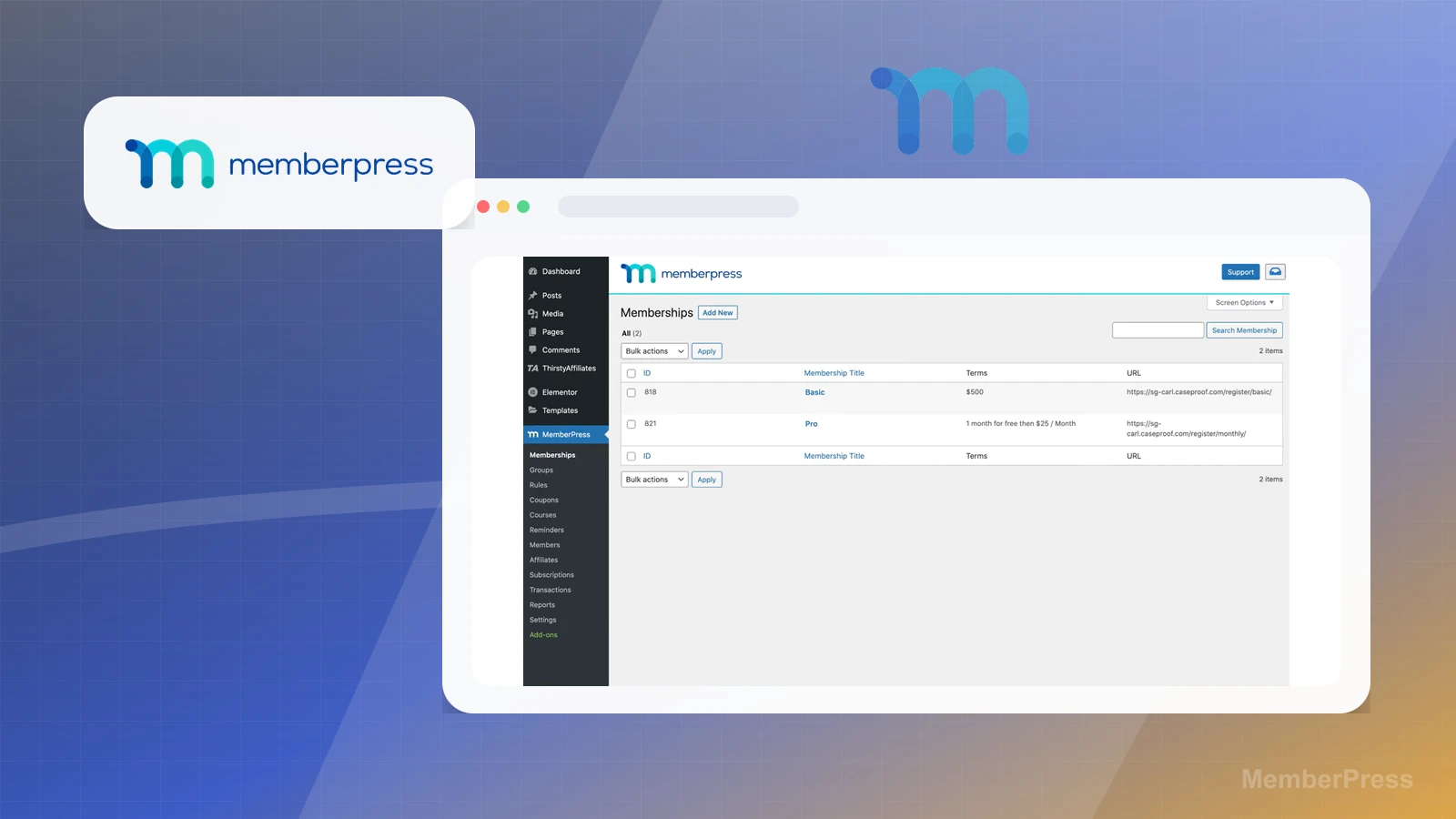
This page is useful for workflow-fit research, but it is not a hands-on proof page yet. The captured interface documents visible controls, while completed owned setup evidence is still needed before making stronger claims.
- Build one representative product, checkout, delivery, and customer-record path with owned screenshots or notes.
- Capture payment, tax, file delivery, subscription or membership, refund or cancellation, export, and cleanup behavior where relevant.
- Verify plan limits, plugin or hosted-platform ownership, migration risk, and support boundaries before making reliability, conversion, or revenue claims.
Pricing snapshot
WordPress membership and LMS plans with differences around site count, transaction fees, courses, communities, integrations, and growth features.
Start by checking membership model, protected content, course needs, subscriptions, payment gateways, transaction fees, access rules, email or marketing integrations, and site ownership.
Plan caveats
- A membership plugin is usually premature if the product is only a simple download, template, or one-time checkout.
- Plan fit depends on the access model, content-protection rules, course or community needs, payment setup, integrations, and who maintains the WordPress site.
Pricing sources
Implementation notes
- Start by deciding the job MemberPress must do in the stack, then compare it against the nearest alternatives.
- Map the course structure, student access, and onboarding emails before choosing plan features.
- Keep the first launch path simple, but document which parts of the workflow would be hard to migrate later.
When to upgrade
- Upgrade toward MemberPress when the workflow it supports is already visible in the business.
- Delay the purchase if the tool would create more setup work than customer-facing value this month.