Affiliate disclosure: Some recommended tool links may earn Paepae Stack a commission if you buy through them. Recommendations are based on fit, tradeoffs, evidence, and source notes. Read the disclosure.
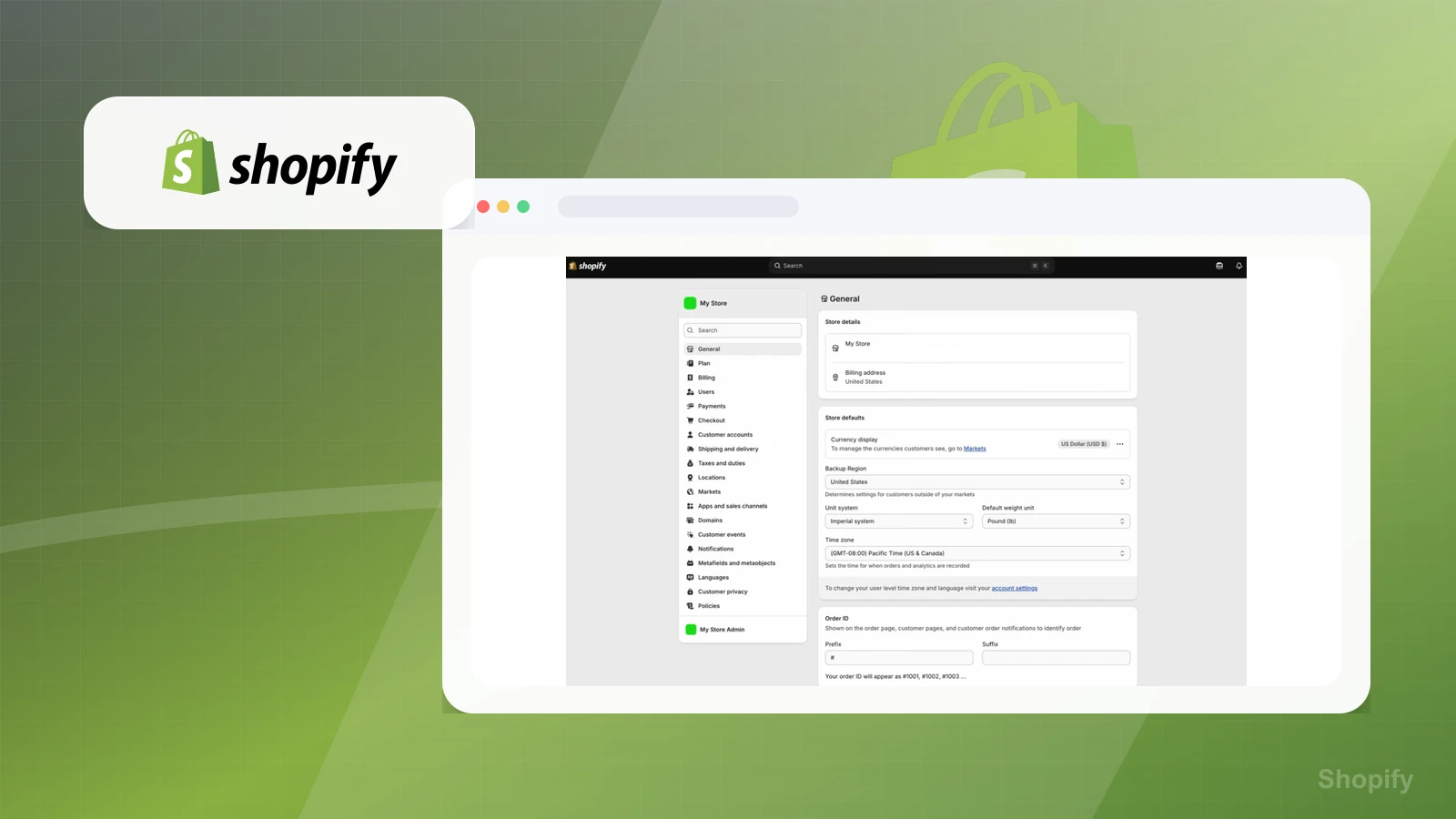
Shopify product media preview

Workflow evidence

What the Shopify store-setup workflow looks like

These three PaepaeStack owner-captured Shopify screens document settings, sales-channel, and product-organization interfaces at capture time. They are documentation evidence only, not proof that a store, checkout, payment, tax, fulfillment, channel, product, or assistant output was configured, published, compliant, or successful.

Store defaults

Inspect the store-details and default settings

The settings screen shows store details, billing region, currency display, backup region, unit system, weight unit, time zone, and order-ID fields.

Practical use

  • Identify visible default-setting fields
  • Assign real-business configuration and verification ownership before launch

What this screen does not prove: Visible settings do not prove that values were saved, correct for a business, compliant, or connected to a live store.

Shopify store settingsOwner-captured Shopify settings interface at capture time.

Sales channels

Review the sales-channel onboarding choices

The onboarding screen presents selectable online-store, retail, events, existing-site or blog, social-media, and online-marketplace choices with a Next control.

Practical use

  • Map the visible channel options before choosing a launch path
  • Verify each channel's current requirements and connection separately

What this screen does not prove: Selectable channel choices do not prove channel connection, approval, publication, traffic, orders, checkout completion, or marketplace availability.

Shopify sales-channel onboardingOwner-captured Shopify onboarding interface at capture time.

Product organization

Inspect product editing and assistant surfaces

The product interface shows media controls, publishing channels, product type, vendor, collections, tags, theme template, and an assistant panel.

Practical use

  • Identify visible product-organizing fields and assistant entry points
  • Review product copy, rights, data, tax, fulfillment, accessibility, and conversion requirements independently

What this screen does not prove: An editor and assistant panel do not prove product publication, assistant accuracy, SEO, checkout behavior, tax handling, payment processing, conversion, or sales.

Shopify product editorOwner-captured Shopify product-editor interface at capture time.

Plain verdict

Should you use Shopify?

Example to explore for the AI Video Ad Stack when a store or product page is the source of truth and destination for ad traffic.

Use this if

  • Ecommerce product pages
  • Online store checkout
  • Product-page-to-video ad destinations

Avoid for now if

  • Creators who are not selling physical or ecommerce-style products
  • Simple newsletter or service pages
  • Teams that need only source prep before choosing a store platform

Evidence status

Documentation-based with workflow documentation

Last verified: 2026-05-10

Outbound status

Approved affiliate link

Affiliate links are disclosed before product clicks. Review the methodology.

Decision flow

Place Shopify in the stack decision

Use this path before treating Shopify as the answer. The product should fit the workflow role, comparison fork, and upgrade timing before an outbound click.

Short answer

Shopify is an example to explore for AI video ad workflows when an ecommerce product page or store is both source material and traffic destination. Paepae Stack treats this page as documentation-based and under review, so it does not prove checkout performance, conversion lift, support quality, billing reliability, or long-term store results.

Quick take

An ecommerce platform for online stores, product pages, checkout, inventory, and commerce operations.

This is an example to explore while Paepae Stack reviews the workflow. Treat it as documentation-based fit guidance, not as proof of output quality, ad performance, support, billing, or long-term reliability.

Paepae Stack positions Shopify as ai video ad stack destination evaluation and future ecommerce source-of-truth guides. The fit depends on the workflow, not only the feature list.

The recommendation includes workflow documentation and visible limitation notes, so the page separates what was seen in the workflow from claims that still require stronger proof.

Not ideal for

  • Creators who are not selling physical or ecommerce-style products
  • Simple newsletter or service pages
  • Teams that need only source prep before choosing a store platform

Strengths

  • Clear ecommerce source-of-truth role
  • Relevant when ads point back to product pages or checkout
  • Useful future bridge between product-page inputs and paid/social traffic destinations

Cautions

  • Keep unpublished until Paepae has evidence and a clear ecommerce decision page
  • Check current pricing, payments, checkout, app, analytics, and theme needs before recommending
  • Do not imply store performance, checkout conversion, or ad results without owned evidence

What is still under review

This page is useful for workflow-fit research, but it is not a hands-on proof page yet. The captured interface documents visible controls, while completed owned setup evidence is still needed before making stronger claims.

  • Run one source-prep brief through the workflow and capture where product facts, assets, and claim boundaries survive or break.
  • Record export, watermark, editing, collaboration, asset control, billing, and plan-limit friction.
  • Validate the destination and follow-up path separately before making any creative-performance or conversion claims.

Pricing snapshot

Ecommerce store plans with pricing and feature differences around checkout, payments, staff accounts, shipping, store operations, and higher-scale commerce needs.

Start by checking product-page, checkout, payment, theme, analytics, app, shipping, tax, and staff requirements before treating it as the campaign destination.

Plan caveats

  • A store platform is only the right destination layer when ecommerce operations, product pages, checkout, and fulfillment are part of the workflow.
  • Plan fit can change with staff, payments, apps, shipping, reporting, checkout customization, and international or B2B needs.

Pricing sources

Implementation notes

  • Start by deciding the job Shopify must do in the stack, then compare it against the nearest alternatives.
  • Keep the first launch path simple, but document which parts of the workflow would be hard to migrate later.

When to upgrade

  • Upgrade toward Shopify when the workflow it supports is already visible in the business.
  • Delay the purchase if the tool would create more setup work than customer-facing value this month.

Questions this page answers

When should I delay Shopify?
Delay Shopify if the offer is not ecommerce-style, the product page is not the real destination, or the first job is simply source prep, a landing page, email capture, or follow-up rather than store operations.

Next best action

Decide whether Shopify fits

The page is past the quarterly review window and should be refreshed before heavier promotion.

Visit Shopify: Open the approved outbound path after checking the fit notes and plan caveats.

Use Stack Builder: Use the guided path if the right category or stack is still unclear.

Guides

Read before choosing Shopify

Next steps

Compare or continue