Quick take
A receipt scanning and expense-documentation tool for capturing receipts, organizing expense records, and preparing cleaner bookkeeping handoff.
This is an example to explore while Paepae Stack reviews the workflow. Treat it as documentation-based fit guidance, not as proof of output quality, ad performance, support, billing, or long-term reliability.
Paepae Stack positions SparkReceipt as pre-accounting workflow notes, small-business operations guides, and future receipt-capture comparisons. The fit depends on the workflow, not only the feature list.
The recommendation includes workflow documentation and visible limitation notes, so the page separates what was seen in the workflow from claims that still require stronger proof.
Not ideal for
- Full accounting replacement
- Payroll or tax filing workflows
- Teams that need accountant-approved ledger controls before receipt capture
Strengths
- Clear receipt and expense-documentation role
- Relevant to freelancers, creators, consultants, and small businesses
- Useful bridge between scattered receipts and later bookkeeping cleanup
Cautions
- Keep claims focused on receipt capture and documentation until owned testing exists
- Do not imply tax, accounting, deduction, or compliance outcomes without professional review
- Verify export, sharing, integration, retention, and plan-limit behavior before broad recommendation
What is still under review
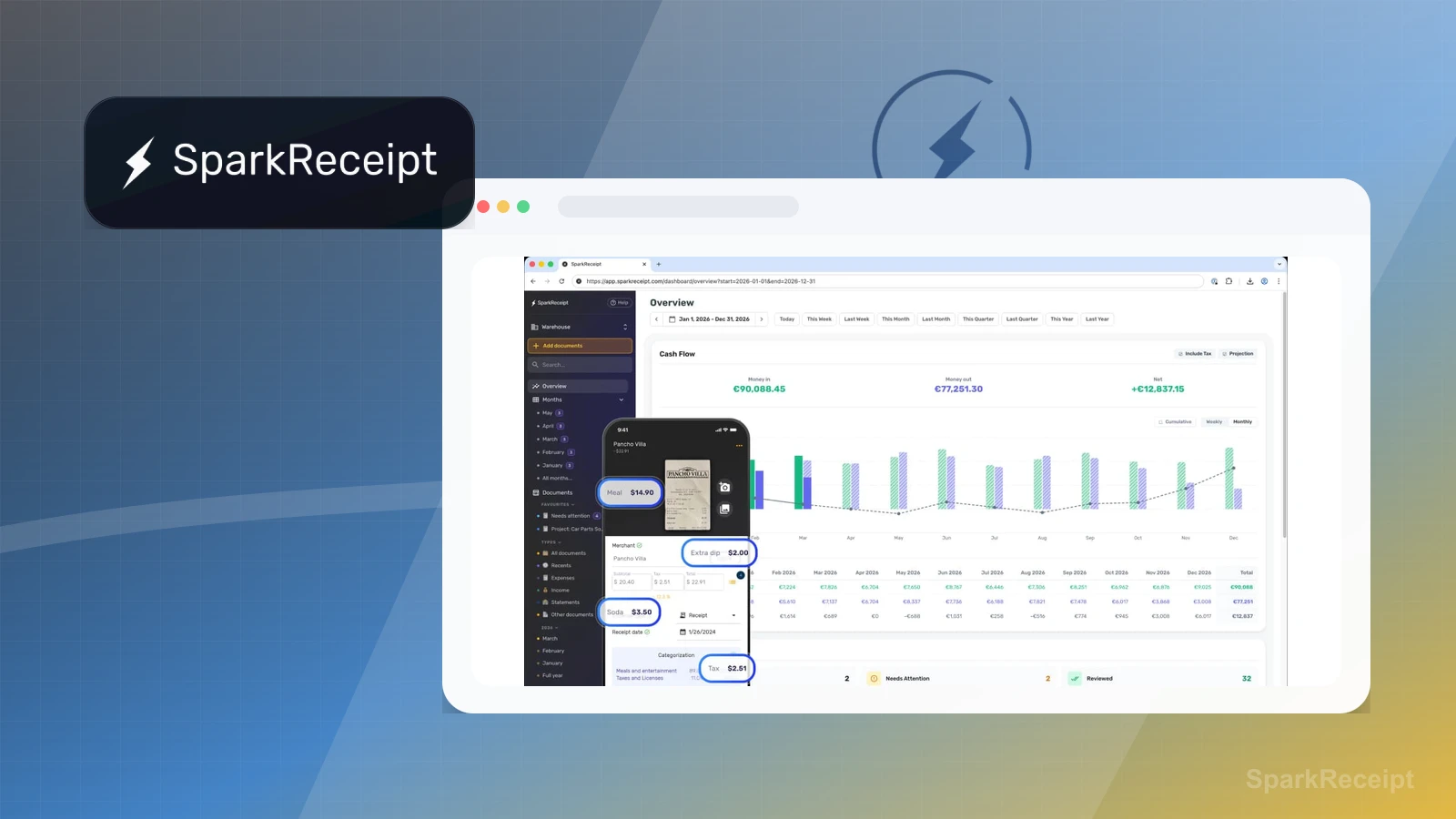
This page is useful for workflow-fit research, but it is not a hands-on proof page yet. The captured interface documents visible controls, while completed owned setup evidence is still needed before making stronger claims.
- Capture a representative setup path with screenshots or notes that support only the visible workflow claims.
- Verify current plan limits, billing surfaces, export or migration controls, and cleanup path.
- Keep performance, support, reliability, deliverability, conversion, or revenue claims out until owned evidence supports them.
Pricing snapshot
Receipt scanning and expense-documentation subscription with annual billing, a free trial, and extra-user pricing for additional team members.
Start by checking document volume, email receipt capture, export needs, accountant sharing, integrations, linked accounts, and bank-statement extraction credits.
Plan caveats
- Receipt-capture value depends on how consistently the business captures source documents and keeps categories clean.
- Accounting, tax, deduction, retention, and export claims should be verified against the current plan and professional bookkeeping requirements.
Pricing sources
Implementation notes
- Start by deciding the job SparkReceipt must do in the stack, then compare it against the nearest alternatives.
- Start with one real receipt intake path: mobile capture, upload, email forwarding, or bank statement extraction.
- Verify how corrected categories, exports, reports, accountant sharing, and integrations work before recommending it.
- Keep any tax or deduction language outside the product claim unless a qualified professional has reviewed it.
When to upgrade
- Move toward SparkReceipt when receipts, invoices, and expense records are repeatedly lost, delayed, or hard to hand off.
- Upgrade only after export, sharing, integration, and data-retention needs are clear enough to test.
- Delay SparkReceipt if the urgent need is bookkeeping, reconciliation, payroll, tax filing, or accountant-controlled ledger work.