Quick take
An AI video platform for creating avatar-led presenter, explainer, training, sales, and product-demo videos from scripts, documents, prompts, or slide-style source material.
This is an example to explore while Paepae Stack reviews the workflow. Treat it as documentation-based fit guidance, not as proof of output quality, ad performance, support, billing, or long-term reliability.
Paepae Stack positions Synthesia as saas demo ai video ad stack paths, agency presenter-video workflows, b2b explainer planning, and future avatar-video comparisons. The fit depends on the workflow, not only the feature list.
The recommendation includes workflow documentation and visible limitation notes, so the page separates what was seen in the workflow from claims that still require stronger proof.
Not ideal for
- Scrappy UGC-style ecommerce ads
- Teams without a clear script or source brief
- Campaigns that need only static images, landing pages, or email follow-up
Strengths
- Clear role for avatar-led explainers and demos
- Relevant to SaaS, training, internal communications, sales, and agency production
- Useful bridge from Paepae source-prep briefs into polished presenter-style video
Cautions
- Keep claims documentation-based until owned avatar, editor, export, translation, and plan-limit testing exists
- Do not imply ad performance, conversion lift, output quality, support quality, or compliance outcomes without measured evidence
- Verify consent, brand controls, collaboration, export, language, and commercial-use needs before recommending broadly
What is still under review
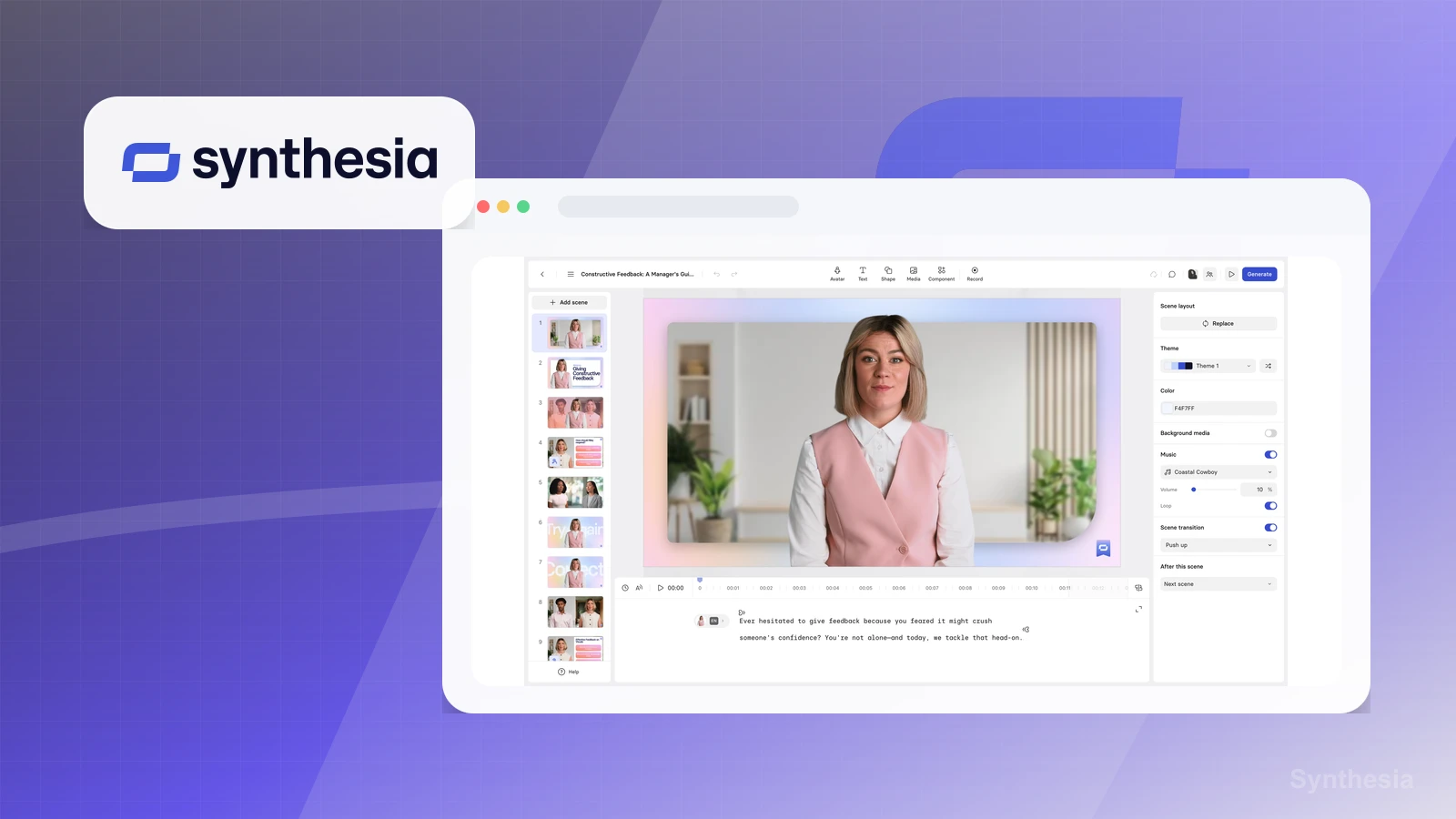
This page is useful for workflow-fit research, but it is not a hands-on proof page yet. The captured interface documents visible controls, while completed owned setup evidence is still needed before making stronger claims.
- Run one source-prep brief through the workflow and capture where product facts, assets, and claim boundaries survive or break.
- Record export, watermark, editing, collaboration, asset control, billing, and plan-limit friction.
- Validate the destination and follow-up path separately before making any creative-performance or conversion claims.
Pricing snapshot
AI video workspace plans with a free/basic entry path and paid plans that vary by video minutes, avatars, voice, translation, branding, collaboration, and enterprise needs.
Start by checking video-minute limits, avatar type, voice and language needs, branding, exports, collaboration, API or enterprise controls, and commercial-use requirements.
Plan caveats
- Avatar-led video value depends on script quality, source accuracy, brand controls, consent handling, and whether presenter video is the right creative format.
- Video minutes, avatar access, translation, collaboration, branding, API, and enterprise controls should be checked against the current plan matrix before recommending.
Pricing sources
Implementation notes
- Start by deciding the job Synthesia must do in the stack, then compare it against the nearest alternatives.
- Write down the trigger, fields, and expected result before building an automation around it.
When to upgrade
- Upgrade toward Synthesia when the workflow it supports is already visible in the business.
- Delay the purchase if the tool would create more setup work than customer-facing value this month.